
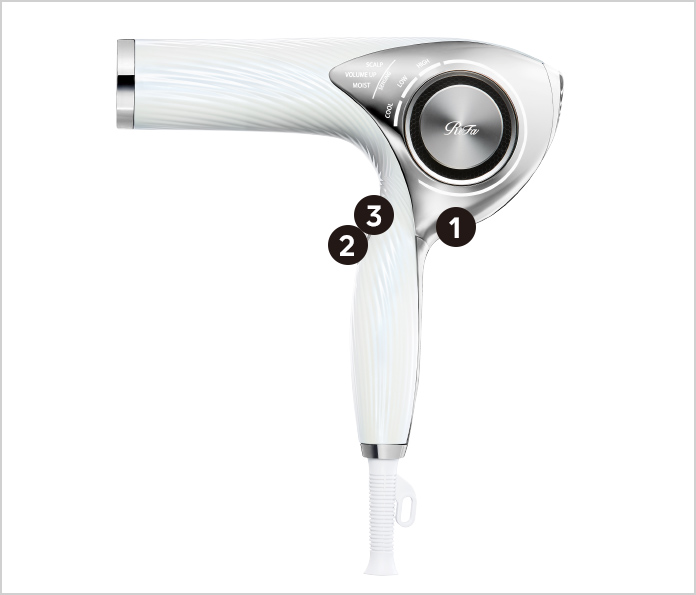
① power button
② MODE button
③ SENSE button
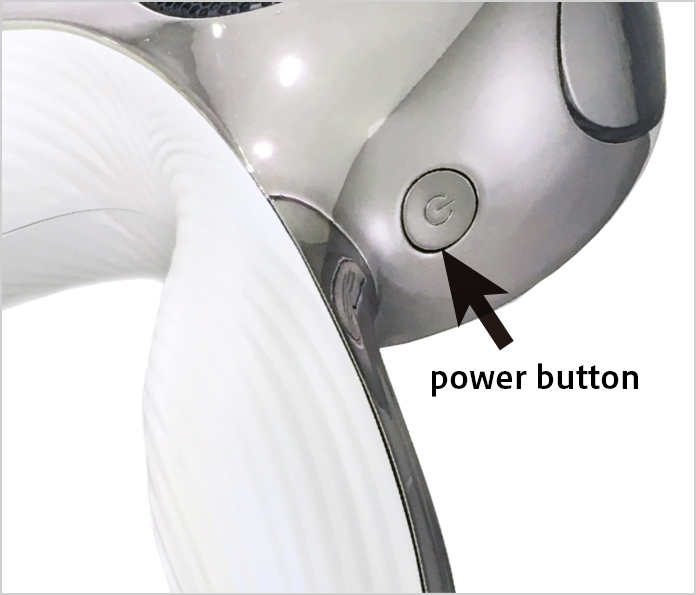
Press the power button on the back to turn on the power.
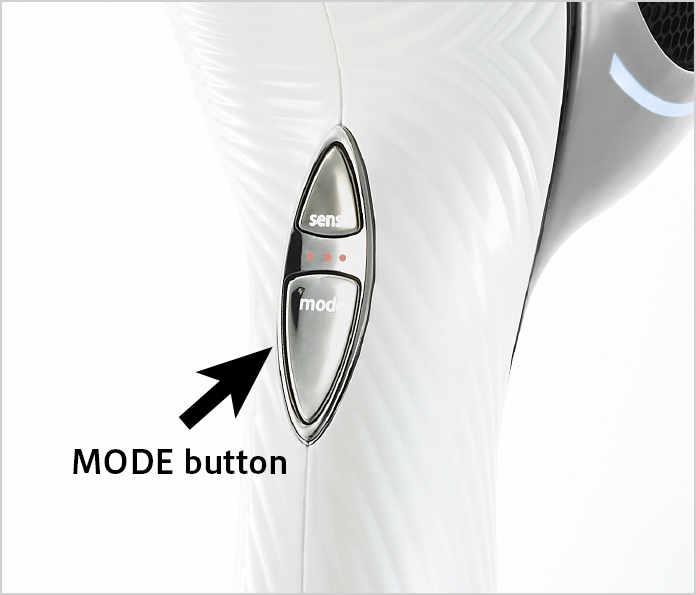
Press the MODE button to select the mode (airflow intensity). Each press of the button will cycle through the options.
(1) HIGH (Hot air, strong)
(2) LOW (Hot air, weak)
(3) COOL (Cool air)
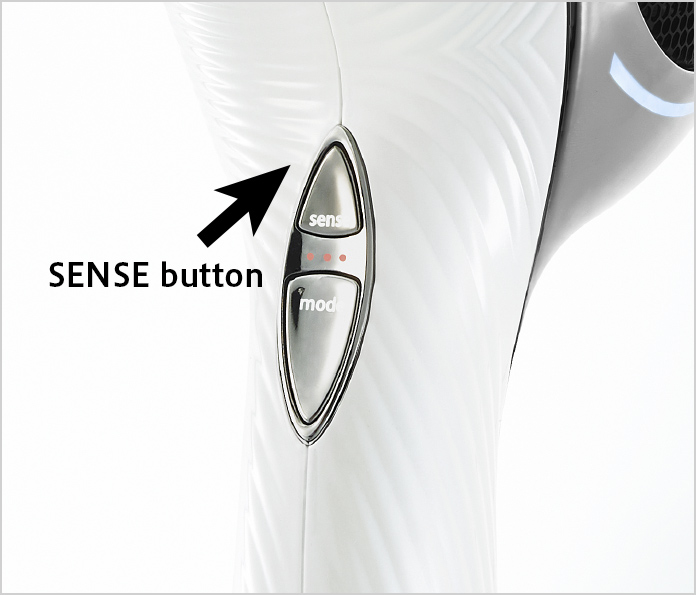
Press the SENSE button to select the sensing function. Each press of the button will cycle through the options.
(1) SCALP (For the scalp, under 50°C)
(2) MOIST (Moist, under 60°C)
(3) VOLUME UP (Fluffy, under 60°C)
(4) SENSING OFF
Dry your scalp first.
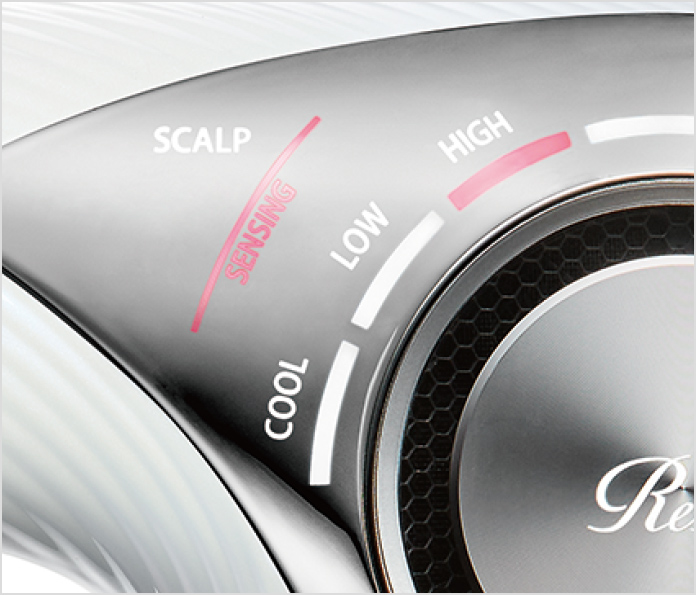
Press the MODE button to turn on SCALP in HIGH.
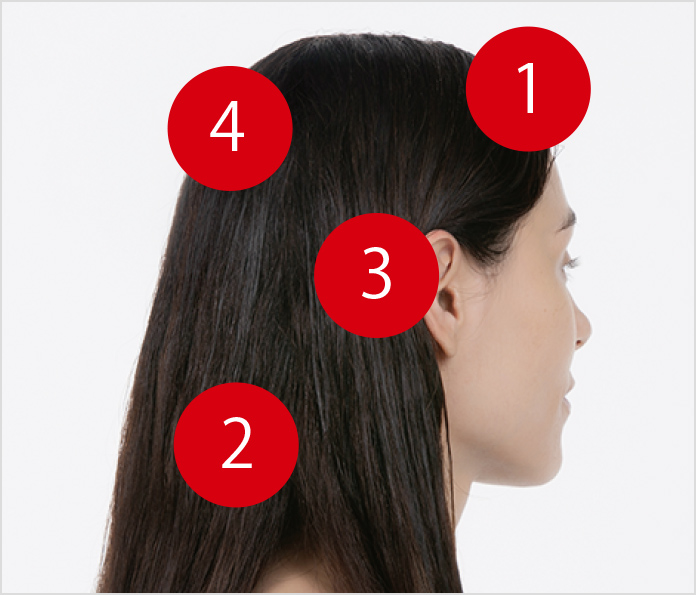
Dry your scalp in four sections.
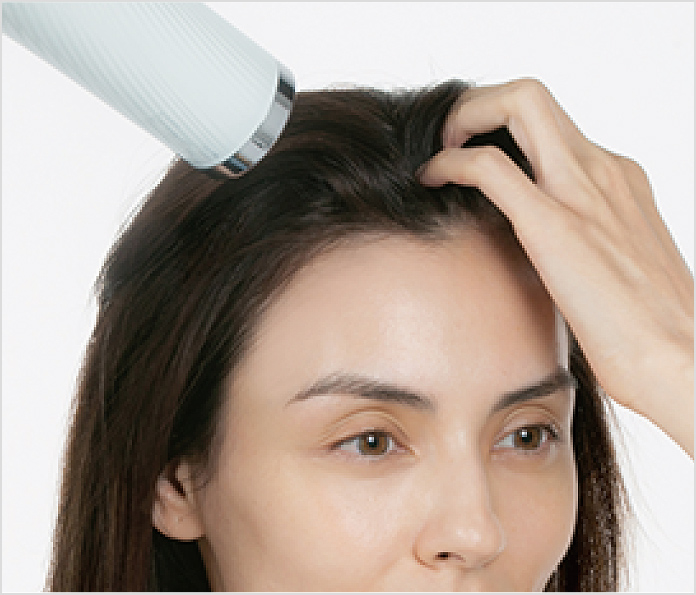
STEP 01
Section 1:Dry the bangs and parting.
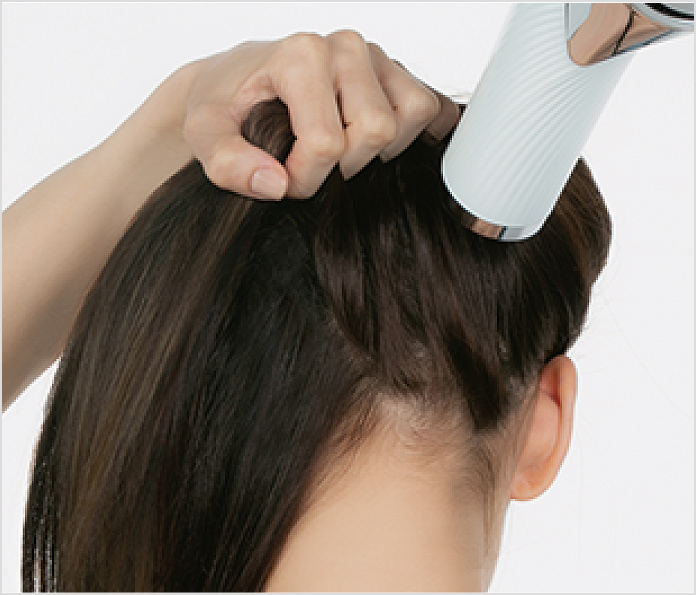
STEP 02
Section 2:Dry the nape.
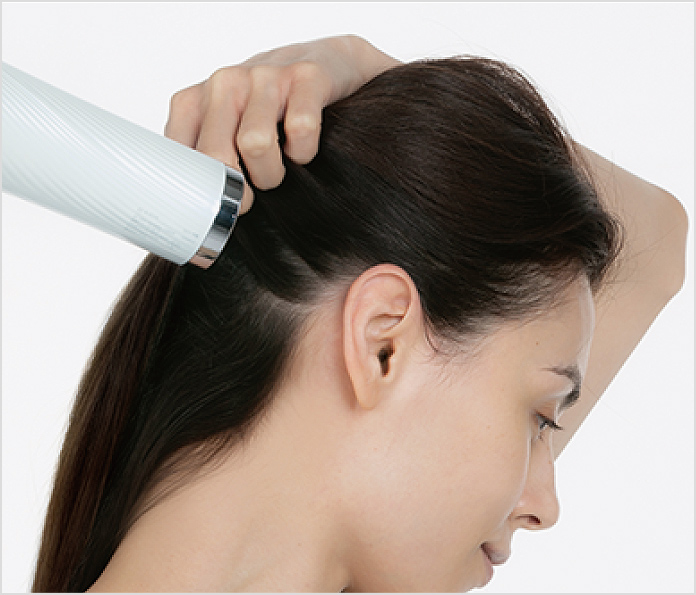
STEP 03
Section 3:Dry behind and above the ears.
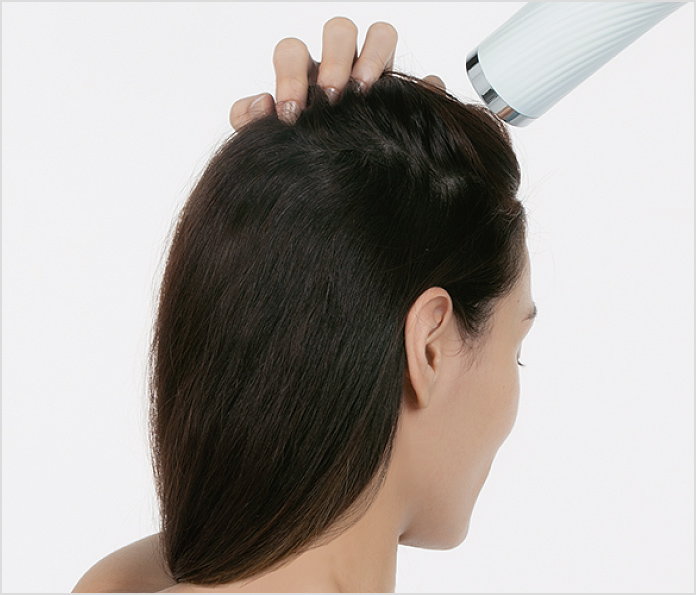
STEP 04
Section 4:Dry around the crown.
Note: Repeat on the other side.
Then dry your hair all the way to the ends.
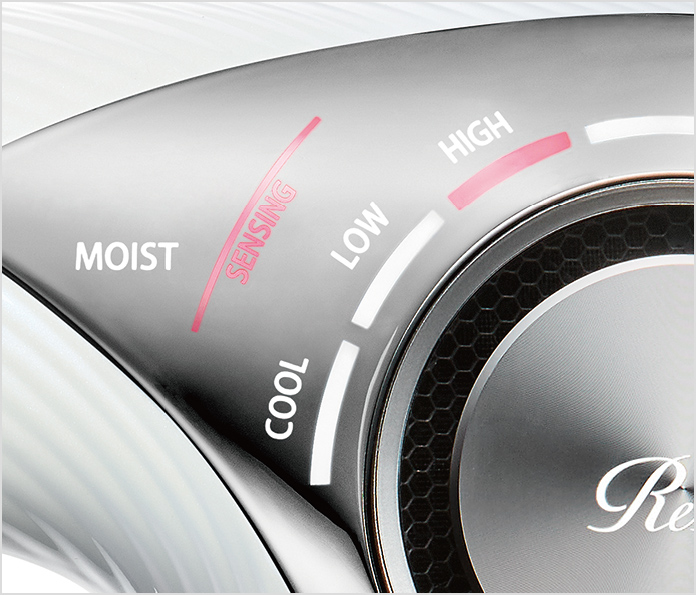
Use MOIST to get a silky finish.
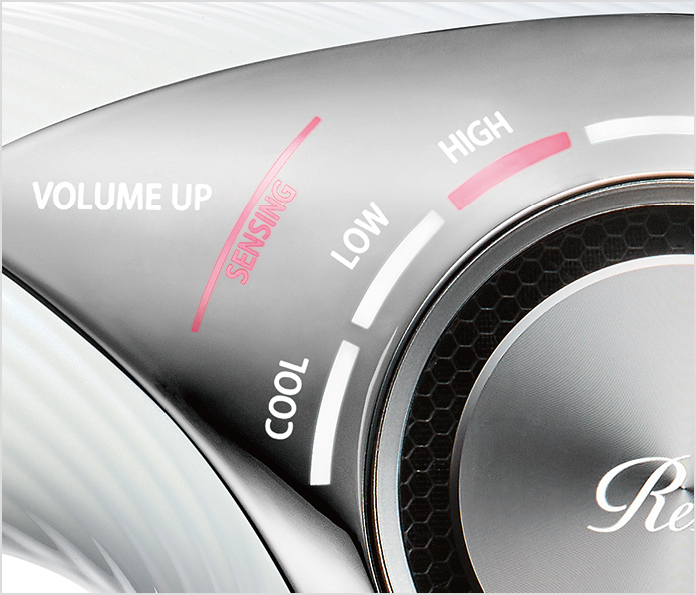
Use VOLUME UP to get a fluffy finish.
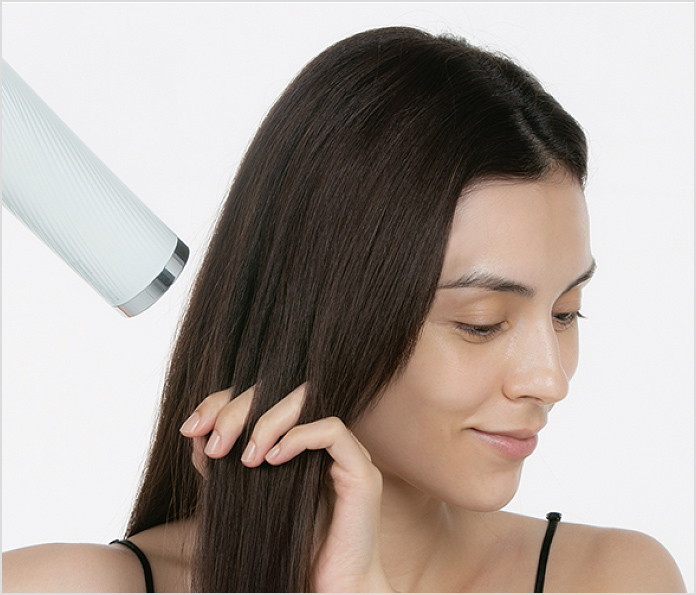
STEP 05
Dry your hair all the way to the ends.
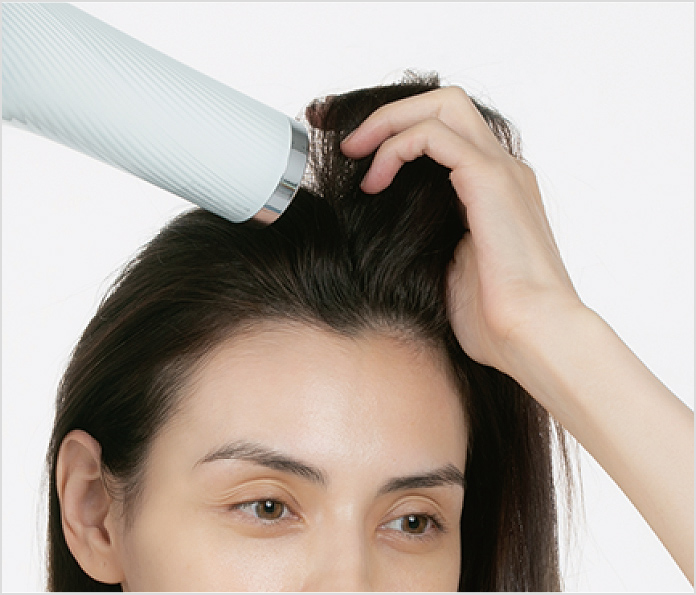
STEP 06
Add volume on top.
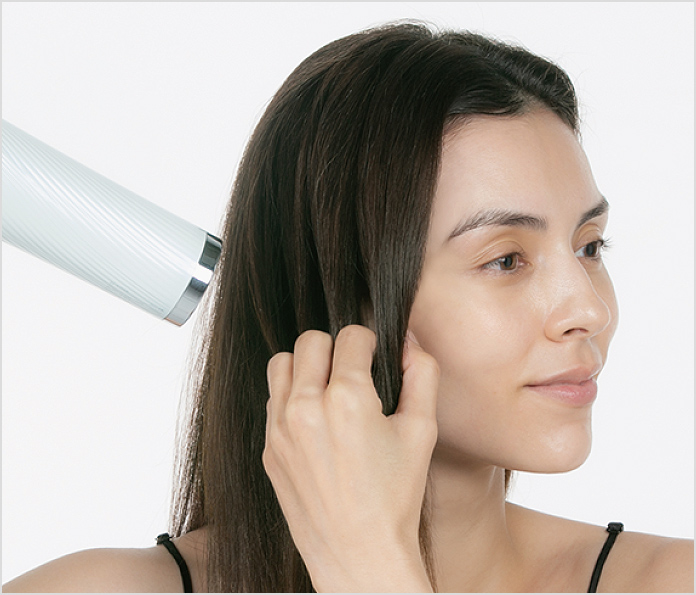
STEP 07
Lastly, switch to COOL. Blow cool air all over to finish.
Note: Repeat on the other side.